B9 Game Problems & Solutions For Players 2026
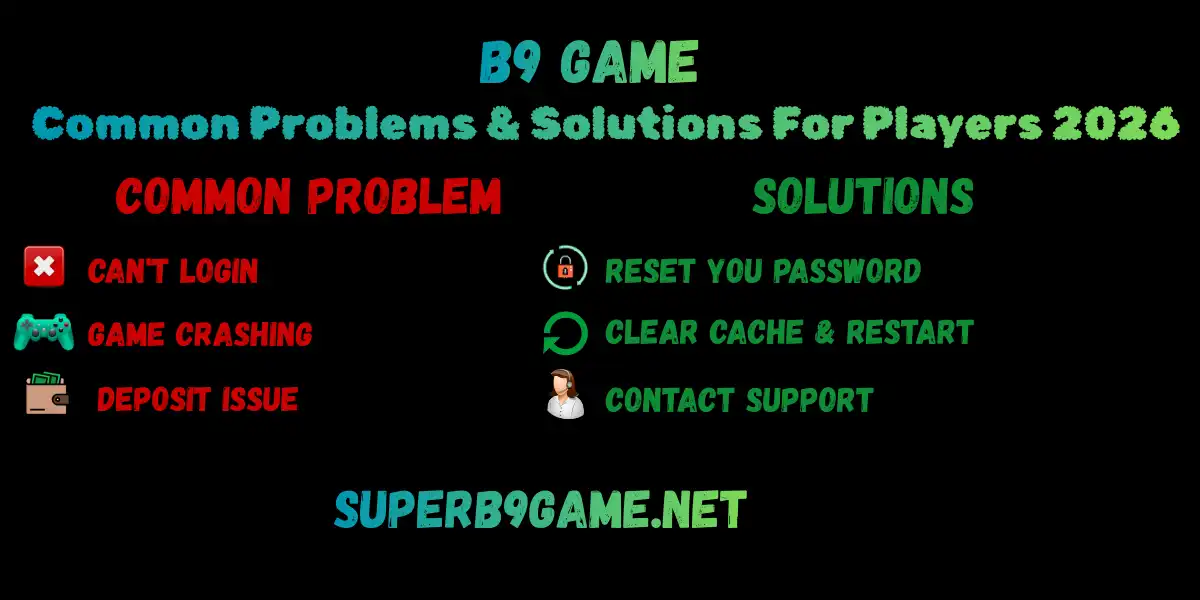
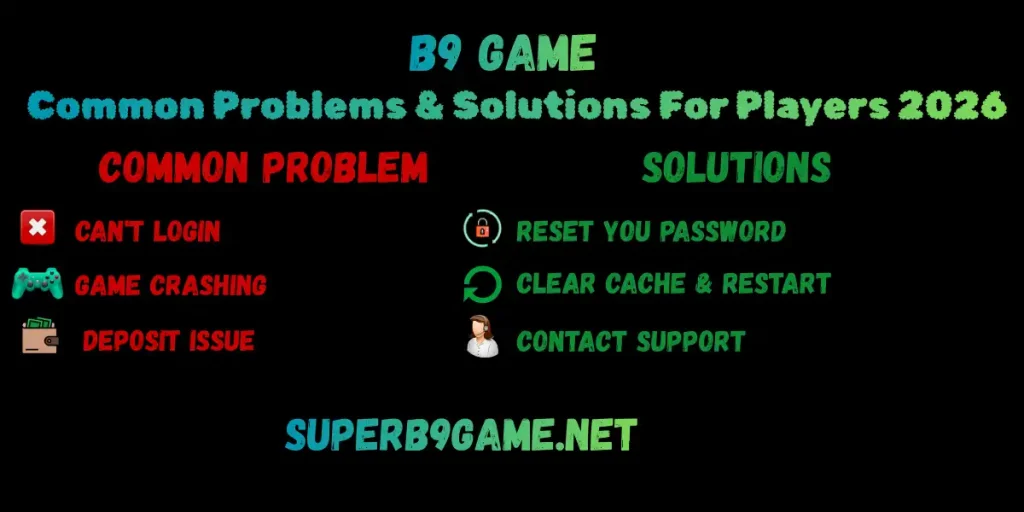
Many Pakistani players face the same issues again and again in the B9 Game. Login stuck, deposit not added, withdraw pending forever – these make you angry fast. This guide lists the top B9 Game Problems & Solutions. Fix them quickly and play smoothly. Honest tips from real use in 2026.
Login Problems First
The most common headache for new and old players.
- The wrong password error keeps coming.
- OTP not received even after waiting.
- App says invalid number.
B9 Game Problems & Solutions
- Double check the number – use +923xxxxxxxxx full format.
- Password case sensitive – try all small letters if you set it that way.
- Forgot password? Tap the link on the login screen, enter the number, get OTP, and reset a new one.
- OTP delay – turn off DND in phone settings, switch to mobile data, not WiFi.
Still stuck? Clear app cache (settings > apps > B9 > storage > clear cache). Restart phone. Many fix this way.
Deposit Not Showing or Failed
You sent money from JazzCash, but the balance is zero in the app. Frustrating.
Common reasons
include wrong receiver number, less than the minimum, or network.
Fix It
- Always screenshot payment proof right after sending – transaction ID is important.
- Minimum usually 300 PKR – check app popup before pay.
- Wait 5-10 mins, refresh wallet tab. Sometimes auto adds.
- If not, go to support chat in the app, send a screenshot, and transaction details.
- Use the same JazzCash/Easypaisa number every time – fewer issues.
Withdraw Pending Too Long
Biggest complaint
Win 2000 PKR, request cash out, stays pending hours or days.
Reasons
Bonus balance not cleared, wrong wallet, daily limit hit, server busy.
Quick Solutions
- First check if the balance is real winnings – bonus needs to be played x20 or more to convert.
- Enter the same number used for the deposit.
- Withdraw minimum 500 PKR mostly – don’t try less.
- Take a screenshot of the request pop-up with the amount, fee, and time.
- If your withdrawal is pending for more than 24 hours, contact customer support.
App Crashing or Not Opening
You are using the app, and suddenly it closes on its own.
Easy Fixes
- Update the app from the official site – the old version is buggy.
- Clear cache and data if needed (but data clears login, so note password).
- Phone has low storage? Free some space.
- Restart the device simply, but it often works.
- Use mobile data instead of weak WiFi.
Other Small Problems
- Games lag or freeze – close background apps, use 4G.
- Account blocked suddenly – mostly for multiple accounts or fake details. Contact support, explain.
General Tips to Avoid Trouble
- Take a screenshot of every important step – deposit, big win, withdraw request. Save in the folder.
- Don’t play when angry or tired – bad decisions.
- Test a small deposit and withdraw early – know if the app is good for you.
- Don’t chase losses – lost 1000, stop, don’t add more.
- Use a strong password, don’t share your account.
Conclusion
These common problems happen to almost everyone in B9 Game apps. Follow the simple steps above and save time. It’s a luck game – no sure win, delays possible. Play responsibly only. Use extra rupees you can lose easily. Set a daily limit strictly. Test small amounts first, always.